
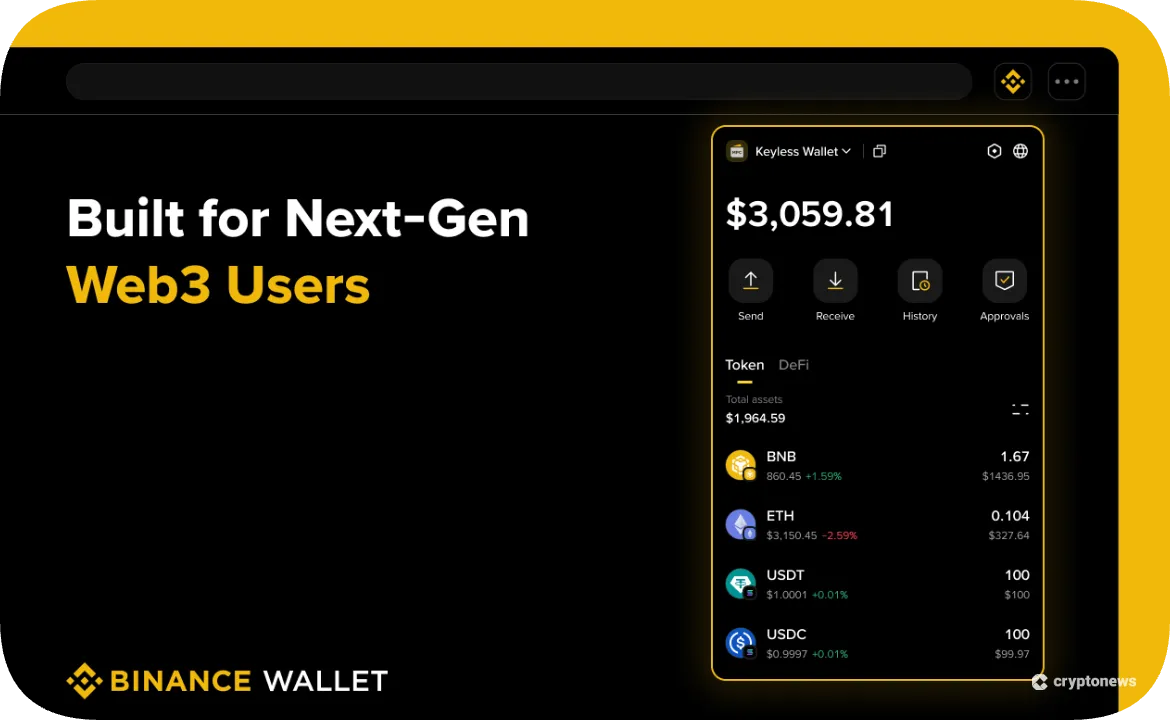
Getting into decentralized finance can feel intimidating. Setting up separate wallets, memorizing a seed phrase, and figuring out how to move assets across networks stops many people from leaving centralized exchanges.

Binance removes these barriers by embedding a self-custodial Web3 Wallet directly into its app. With the Binance Web3 Wallet, with just a single toggle, you move from your spot balance to a secure wallet that supports more than thirty chains. This article explores how the wallet’s keyless security, cross-chain token swaps, and integrated Earn features make DeFi accessible to everyone for everyday users.
A New Approach to Security: MPC without Seed Phrases
Seed phrases are simple in theory, but stressful in practice. Lose the phrase, and access can be gone. Share it with a scam site, and a drainer can empty the wallet. Binance Web3 Wallet uses multi-party computation (MPC) to reduce that single point of failure, making it an MPC crypto wallet in day-to-day use. MPC is a cryptographic technique that allows a secret to be protected across multiple parties without any one party holding the full key.
In Binance’s setup, the wallet generates three encrypted key shares stored in different locations: one share is on your device, one is encrypted with a recovery password you set and backed up to your personal cloud storage (iCloud or Google Drive), and one is secured by Binance.
You only need two of the three shares to access the wallet. That simple rule enables keyless wallet recovery if a phone is lost, while still keeping it a self-custody wallet because Binance cannot move funds alone.
Swaps, Bridges, and Earn in One Place
A big advantage of an integrated DeFi wallet app is the elimination of the technical friction between holding assets on an exchange and deploying them into decentralized protocols. Inside the wallet, users can move assets between the exchange side and Web3 quickly, so there’s less copying of addresses and less switching between apps.
For trading, the wallet supports a cross-chain token swap experience that uses Binance Bridge alongside other decentralised exchanges. Binance describes swapping thousands of tokens across more than 30 networks, including Ethereum, BNB Chain, Polygon, and Avalanche, aiming for low slippage.
For earning tools, Binance Wallet Earn includes Simple Yield and Yield+, which aggregate on-chain opportunities across tokens, protocols, and dApps. Used responsibly, these features can make crypto yield farming easier to access because discovery and execution happen inside the app, not across random sites.
Safety Nets: Risk Alerts and Exchange‑Grade Protections
Good secure crypto storage is not only about key management. It’s also about what happens right before you approve a transaction. The wallet includes built-in risk controls such as wrong address protection and malicious contract detection, designed to warn users if a token or address looks risky at the point of action.
Binance has also highlighted steps like blocking certain high-risk message-signing methods and publishing safety guidance for DApp usage. Combined with a curated dApp browser experience through its Discover section, the goal is to help users slow down at the right moment, without taking control away from them.
How to Set Up Your Binance Wallet
We will now show you how to set up a Binance Web3 Wallet in just a few simple steps:
- Open the Binance app – Log in to Binance as usual; the wallet is a native part of the app’s Binance app features, not a separate download.
- Toggle to the Web3 tab – Go to Wallets, then switch into Web3 to enter the on-chain side of the interface.
- Click Create Wallet – This generates the MPC key shares and activates your wallet without a seed phrase.
- Back up the cloud key share – Encrypt the cloud share with your recovery password and store it in iCloud or Google Drive. Binance notes that backing up this share is mandatory before using the wallet.
For many newcomers, this is noticeably faster than the classic setup flow in wallets like MetaMask, which centres on a 12-word Secret Recovery Phrase and can involve manual network settings.
Why Integrated Wallets are the Next Wave
Across consumer fintech, the products that win tend to feel like super apps. People want fewer logins, fewer transfers, and fewer places to make a mistake. Binance is pushing that same direction by blending exchange access with on-chain tools, so the divide between centralised and decentralised trading keeps shrinking.
The Binance Web3 Wallet shows that self‑custody can be straightforward. By merging CeFi convenience with DeFi control, Binance is building a bridge that could bring the next wave of users into on‑chain finance.
The post Your Keyless Entry to DeFi: Introducing Binance Web3 Wallet appeared first on Cryptonews.